Farm inventory management software in Kenya should answer three questions without a long search through store books: what did the farm buy, what remains, and where was each item used? Those questions apply to seed, fertilizer, crop-protection products, feed, medicines, spare parts, tools, packaging and harvested produce. When purchases, store balances and field issues sit in separate notebooks, an owner may know how much was paid but still lack a reliable view of current stock or usage.
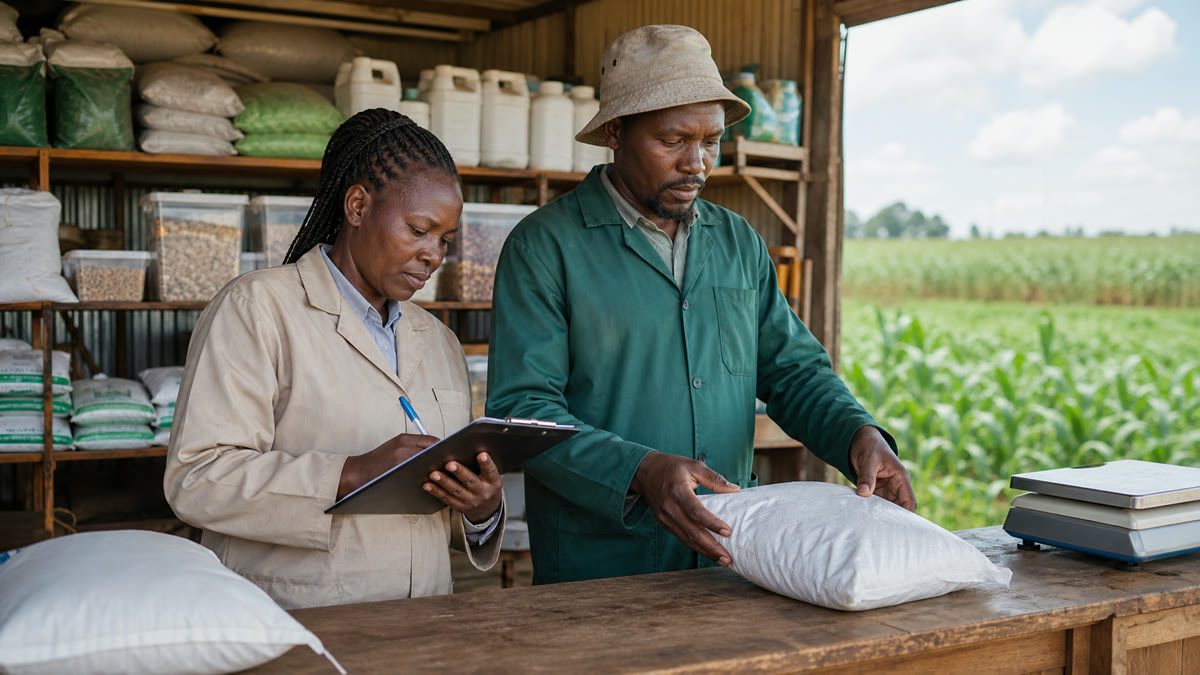
FAMA brings input purchases, stock records, issues, farm operations and reports into one tenant-isolated farm workspace. It supports supplier records, owned fields, rented leases, crops, staff roles, stock balances, inventory valuation, low-stock alerts, harvest stock and exports. The software provides a structured record trail; it does not replace physical counts, safe stores, approved handling procedures or responsible supervision.
Why farm inventory becomes difficult to trust
Most inventory problems begin with ordinary gaps. A delivery is entered as ten bags while the store issues kilograms. One product appears under two spellings. A field supervisor collects an input but the destination block is not recorded. Returned material goes back onto a shelf without an entry. A spare part is fitted to a tractor, yet the stock book still shows it as available. Harvest is weighed at the field and sold later, but the quantity held between those events is unclear.
These gaps make every later question harder. The accountant cannot reconcile purchases with stock value. The manager cannot confirm which field or rented lease received an input. The owner cannot distinguish genuine consumption from damage, timing differences or an unexplained variance. A useful farm input tracking system creates a consistent chain from supplier to purchase, balance, issue, use and review.
Inventory and input tracking are related, but not identical
Inventory control focuses on the items the farm holds: quantities, units, value, movement and availability. Input tracking follows consumable items into a specific operation, such as fertilizer issued to an owned field, feed issued for poultry, or a spare part used during machinery repair. A farm needs both views. A correct store balance without a destination does not explain production cost, while a field-use note without a store movement does not protect the balance.
The FAMA input management module connects suppliers, purchases, stock and issues to owned fields or rented leases. The inventory and harvests module extends the record to tools, spare parts, harvested produce, buyers and value. Together, these records help a store keeper, farm manager, accountant and owner work from the same operational history.
A practical farm inventory workflow
1. Standardize items and units
Start with one approved name for every active item. Record the category, normal unit and any relevant purchase-to-stock conversion. If feed is bought in bags and issued in kilograms, the conversion must be clear before daily entries begin. Do not mix litres, millilitres, bags, packets and kilograms casually. Clean units are the foundation of trustworthy balances and reports.
2. Create supplier and location records
Add regular suppliers, owned fields, rented leases, crops and farming periods. This setup prevents staff from typing a new variation each time they enter a transaction. It also gives later reports useful filters. A purchase can be reviewed by supplier, while an issue can be reviewed by field, lease, crop, staff member or date.
3. Record each purchase from its source document
Capture the item, quantity, unit, supplier, cost and transaction date while the invoice or receipt is available. Receiving staff should compare the delivered quantity with the supporting document before accepting the entry as complete. If a delivery is short or damaged, document the actual quantity received instead of preserving an incorrect expected number.
4. Issue stock to a named purpose
An input should not simply “leave the store.” The issue record should explain what left, how much, when, for which owned field or rented lease, and under whose responsibility. That context is especially important for high-value or fast-moving items. FAMA’s role-based structure can separate the store-keeping work from management and accounting review, depending on the farm’s team.
5. Record returns, damage and corrections promptly
Unused material, damaged packs and entry mistakes should not be left for month-end memory. The farm needs an agreed method for correcting records and noting why a quantity changed. A correction should help a reviewer understand the event; it should not merely force the digital number to match the shelf.
6. Track harvest as inventory before final sale
Harvest is also stock. Record the farming period, crop, quantity, unit and date, then follow the produce that remains and the quantity connected to buyers or sales. This closes a common blind spot between field collection and revenue. It is particularly useful when produce is stored, graded or sold in several lots rather than leaving the farm at once.
7. Reconcile the system with a physical count
Count high-value and fast-moving items at an agreed frequency. Compare the count with the recorded balance, investigate differences and retain the reason for any adjustment. Software can calculate from entered records, but only a physical check can confirm what is actually on the shelf, in the fuel store or in the produce store.
Records and reports management should review
A useful review does not require the owner to read every transaction. FAMA supports filtered and exportable records that help the team focus on exceptions and decisions. Depending on the module and the farm’s configuration, useful views include:
- input purchases by supplier, item, date and value;
- current stock balance, stock value and low-stock items;
- input usage by owned field, rented lease, crop, staff member and period;
- tools and spare-parts inventory;
- harvest quantity, remaining produce, buyers and sales value;
- income, expenses and profit/loss reports alongside operational records; and
- printable or exportable reports for management review.
Reports are only as reliable as the underlying entries. If a team records purchases but skips issues, the system will overstate stock. If harvest sales are entered without the harvest movement, produce balances become weak. Management should therefore review both the report and the recording discipline that produced it.
Buying checklist for farm inventory management software in Kenya
Before choosing a system, test it with a complete real transaction rather than a polished overview. Ask the provider to show how the software handles:
- supplier directories and purchase history;
- different purchase and usage units;
- issues to both owned fields and rented leases;
- roles for the owner, manager, accountant and store keeper;
- stock balances, valuation, low-stock alerts and corrections;
- spare parts, tools and harvested produce as distinct inventory types;
- filters, printable reports and data exports;
- separation of each farm account’s records; and
- a practical process for bringing in current balances and historical input data.
Also ask who will own item setup, how duplicates will be prevented, how physical counts will be reconciled and what support is available during onboarding. A feature list is useful, but a buyer should see the workflow using the farm’s actual units, item names and approval responsibilities.
How to implement FAMA without disrupting the store
- Choose a cut-off date. Decide when FAMA becomes the official record for new movements.
- Clean the item list. Merge duplicates and agree on names, units and categories.
- Count opening stock. Enter verified current balances rather than copying an untested notebook total.
- Add suppliers and farm destinations. Set up fields, leases, crops and responsible users.
- Train by role. Show store keepers how to receive and issue, managers how to review usage, and accountants how to reconcile value.
- Run a short parallel check. Compare selected high-value items against the old method for a defined period, then resolve differences.
- Adopt a weekly review. Check negative or low balances, unassigned issues, unusual corrections and unrecorded returns.
Safe handling still matters
Digital records do not make agricultural inputs safe. Pesticides and other controlled products must still be stored, handled and used according to their labels and applicable requirements. Kenyan farms can consult the Pest Control Products Board, while the FAO International Code of Conduct on Pesticide Management provides broader stewardship guidance. FAMA can organize the record; trained people remain responsible for the physical product.
Frequently asked questions
Can FAMA track fertilizer, seed, feed and spare parts?
FAMA supports farm inputs, stock usage, tools, spare parts and inventory records. The farm should configure clear item categories and units during setup.
Can inputs be linked to rented land?
Yes. FAMA supports input usage records for owned fields and rented leases, together with crop, staff and date context.
Does FAMA remove the need for stock counts?
No. Regular physical counts remain essential. FAMA provides the transaction trail and calculated balance that the physical count should test.
Can the owner review inventory without giving everyone full access?
FAMA supports role-based access for farm owners, managers, accountants, store keepers and supervisors. Permissions should be configured to match real responsibilities.
Where can I see the wider platform?
Start with the FAMA home page, review the full FAMA feature list, and see how inventory connects with the broader farm management system.
Test FAMA with records your store already uses
Request a focused demonstration and bring one supplier invoice, a verified stock count, a recent field issue and a harvest or spare-parts record. The FAMA team can map that real sequence to the relevant modules so you can judge fit before onboarding.